So it’s time to upgrade your phone. You’ve came to the realization that your current device is out of date and you want to catch up with the latest trends. But its not as easy as walking into a store and simply picking your device. If you’ve been in the market recently you’ve probably realized by now that there are a multitude of choices between multiple manufacturers, different softwares, long lists of specs that mean nothing to you when you read them. It’s confusing. But it really isn’t as hard of a choice as you might think. In this article I’m going to cover the some of the most popular devices out as of right now and help you decide what smartphone is best suited for you. In addition I will include my recommendations for every budget type.
When making this decision the first question to ask yourself is iPhone or Android? If you are a current smartphone user I definitely suggest to consider how well you like your current phone. Do you have access to apps that are most important to you? Are you satisfied with the level of customization available to you? Will it connect with other devices you use on a daily basis ( car, speakers, smarTV etc.) If you can answer yes to all the above questions then I would recommend sticking with your current OS. If you can’t answer yes to those questions maybe you should consider switching things up a bit.
iOS available exclusively to iPhones a clean cut, easy lot use software that for most of us is easy koto get the hang of with a little time. The level of customization isn’t that great but they make up for it with simplicity. Like I said with a little time and minimal effort iOS is the most user friendly software offered on premium phones. iOS also works GREAT with other apple devices. The seamlessness you experience when sharing photos with airdrop or answering a FaceTime call on your MacBook is simply unmatched. Overall an iPhone isn’t a bad choice by any means and listed below are my recommendations for anyone looking to get an iPhone.
Top Recommendation: iPhone XR
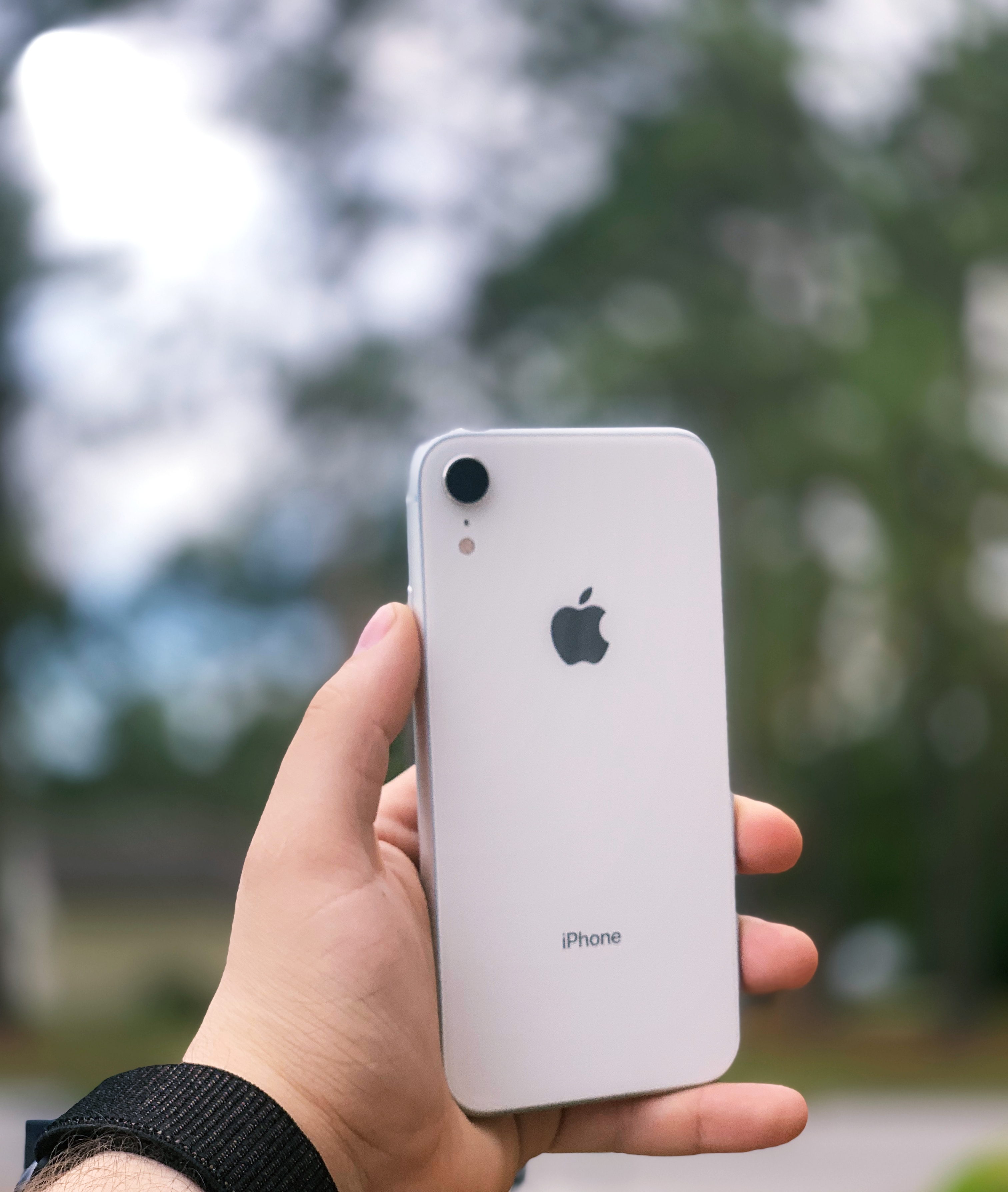
iPhone XR is a terrific iPhone and gives you most of the newest available technology for iPhone at a discounted price. The iPhone XR starts at $750 which is $250 lower than apples flagship phones iPhone XS and iPhone XS Max. A sacrifice is made in the camera and screen quality but if you can get past that it’s a great way to get one of the newest iPhone.
Budget Recommendation: iPhone 7

iPhone 7 is the best iPhone for someone who wants to get the best out of iOS but doesn’t want to spend over $500 on their cellphone. Sure the iPhone 6s and iPhone SE are still on the market but Apple will be cutting off support for these devices at the end of 2019 making it a risk if you’re looking to keep your phone for the next couple of years. The iPhone 7 still has a great camera and a beautiful retina display even for 2019 standards. You can find the iPhone 7 consistently for under $400 and can even find them as cheap-as $200 on sites like Facebook Marketplace and Ebay making it a budget friendly way to experience iOS in it’s fullest capacity.
Then you have Android. Android is the OS ( Operating System ) for pretty much every other smartphone that’s not an iPhone. Instead of completely different OS(s) Manufacturers out their own skin on top of this operating system. For example Samsung runs Android with a Samsung skin and LG runs Android with a LG skin on top. Overall Android offers a much more customizable experience than iOS. From adding widgets on your home screen to changing the color and font on your keyboard Android offers things that iOS just doesn’t. This however does come with the sacrifice of simplicity. If you’re already tech savvy and you know you want your phone to look unique Android may be the way to go. Android also offers a wider array of supported devices / apps. this is because of Androids more open approach to app developers. Almost all of your smart devices in your home will be compatible with your Android phone. At the end of the day Android offers a more personal experience that you can make as simple or complicated as you like.
Top Recommendation: Samsung Galaxy S10

I recommend the S10 because it’s simply and amazing phone that really represents the spirit of Android. With features like reverse wireless charging and a gorgeous infinity display its hard to go wrong with this phone. With a price-tag of $999 it’s definitely not a budget friendly choice but it’s speed and feature rich software make the worth it!
Budget Recommendation: LG Stylo 4+
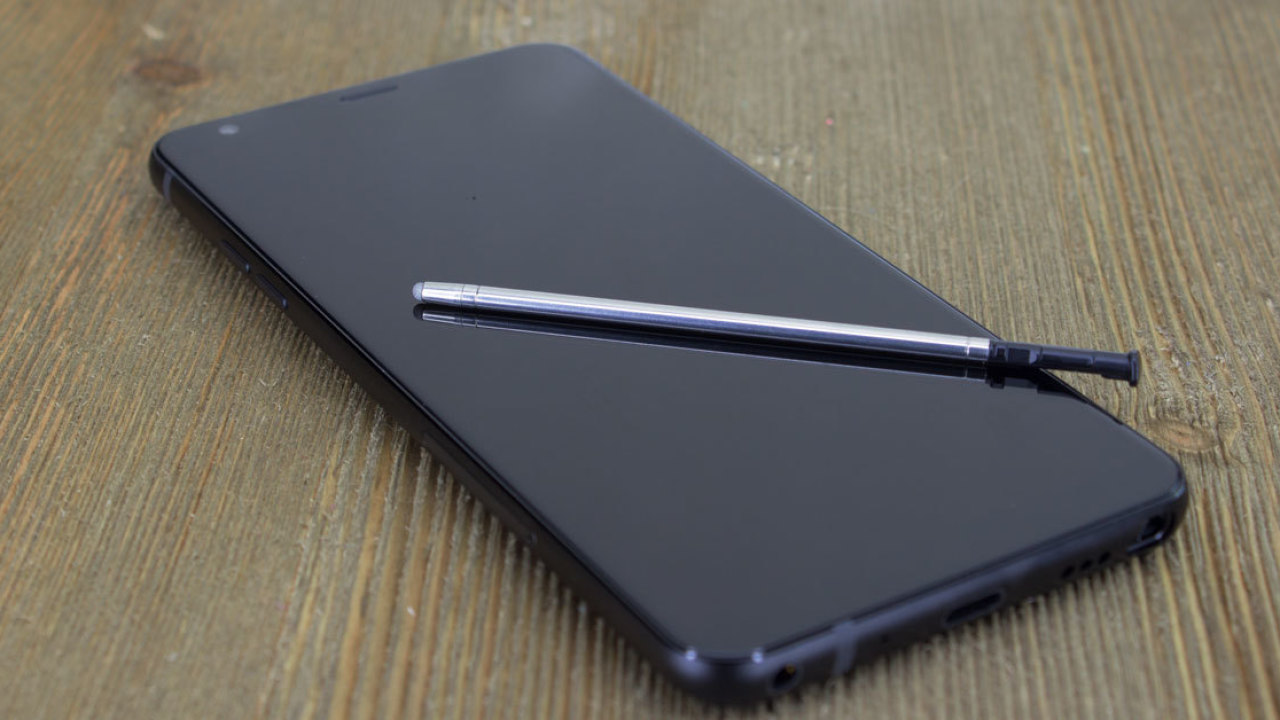
The LG Stylo 4+ offers an updated and reliable Android experience. This phone offers a nice large display and even a built in stylus ( if you’re into that kind of thing ). The LG Stylo 4+ also comes in at the lowest price point on my recommendations list at only $299 and can be found for free on most phone carrier promotions.
Overall the choice comes down to two words. PERSONAL PREFERENCE. Buy the phone you’re comfortable with. If you like your current phone get the updated version of it. If you’re frustrated with your current device consider switching things up a bit and see if the grass really is greener on the other side. Most places have a return policy so if you do make a decision you regret most of the time it’s fixable. If you’re new to smartphones overall consider what you’re looking for in your smartphone. Want simplicity? Go iPhone. Want to customize every detail of your phone and aren’t concerned with getting lost in the settings menu? Android it is.
As always thank you for reading and if you have any comments, ideas, or questions about this post reach out to me via the Contact tab at the top of the page!
 Wyatech